
Protect your electronics during a move with expert packing tips for computers, TVs, and audio systems.
Moving day brings enough stress without worrying about your expensive TV, gaming console, or computer surviving the trip. Electronics take the most abuse during moves because they combine fragile screens, sensitive components, and tangled cables into one packing nightmare. Here's the system our crews use to pack electronics safely for hundreds of Miami moves every month.
Preparation Before Packing Electronics
Gather Your Packing Materials

Before you start wrapping anything, collect these supplies:
- 1Anti-static bubble wrap (regular bubble wrap can create static that damages electronics)
- 2Packing peanuts or crumpled packing paper
- 3Sturdy boxes in various sizes
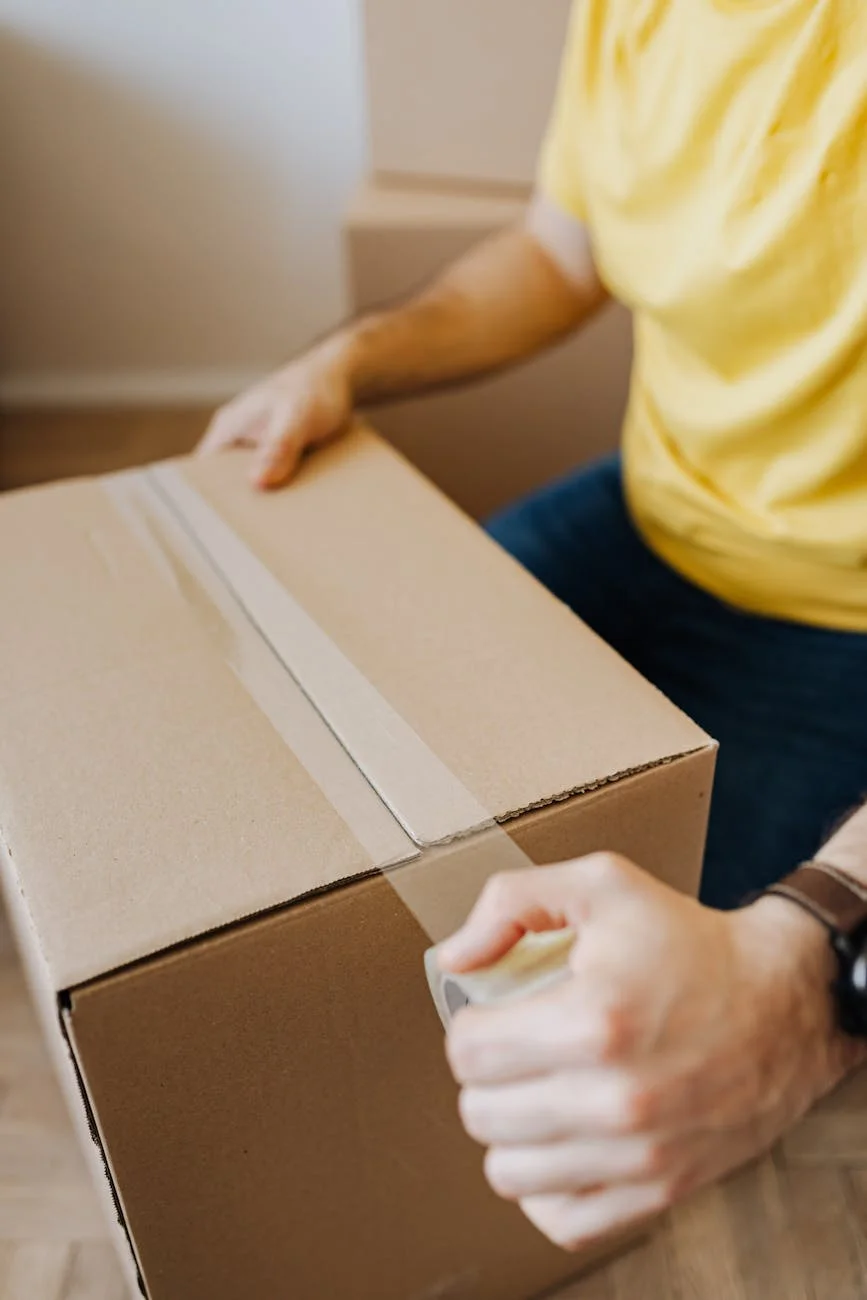
- 4Heavy-duty packing tape
- 5Labels and markers
- 6Zip-lock bags for small parts
- 7Twist ties or cable ties
- 8Soft microfiber cloths
Back Up Your Data First
Hard drives fail. Screens crack. Before your computer or laptop goes into a box, back up everything to an external drive or cloud storage. This 30-minute task could save years of photos, documents, and irreplaceable files.
Clean Your Devices
Dust trapped between a screen and bubble wrap becomes sandpaper during transit. Wipe down each device with a microfiber cloth. For keyboards and vents, use compressed air to blow out debris.
Remove Batteries and Discs
Batteries can leak during temperature changes common in moving trucks. Remove them from remotes, controllers, and wireless devices. Take out CDs, DVDs, and game discs from players and consoles. Pack these separately in protective sleeves.
Photograph Your Setup
Snap photos of every cable connection before unplugging anything. Get close-ups of the back of your TV, computer tower, and entertainment center. When you're staring at 12 cables wondering where each one goes, these photos become priceless.
The Step-by-Step Process of Packing Electronics
Wrap Each Device Individually
Use anti-static bubble wrap for every electronic item. The anti-static material prevents the electrical charges that can fry circuit boards. Wrap screens and displays with extra layers, securing the wrap with tape on the non-screen side.
Protect Fragile Components
Tablets, monitors, and TV screens need the most protection. Wrap them in soft cloth first, then bubble wrap. For large TVs, consider flat-screen TV moving boxes that include foam corners and cardboard protectors.
Use Original Boxes When Possible
Those boxes you saved from unboxing day? Now's their moment. Original packaging includes custom-fitted foam inserts designed for your specific device. If you tossed them, use boxes slightly larger than your wrapped items and fill gaps with packing material.
Label All Cords and Cables
Wrap each cable individually and label both ends. Use masking tape and write directly on it, or use colored twist ties with a matching color key. Group cables with their devices in labeled zip-lock bags.
Pack Boxes Properly
Place heavier items on the bottom, lighter on top. Fill every gap with packing peanuts or crumpled paper. When you shake the box gently, nothing should shift. Label boxes "FRAGILE - ELECTRONICS" on multiple sides.
Special Considerations by Device Type
Packing Laptops and Computers
Laptops need a hard-sided carrying case or a box with at least two inches of padding on all sides. Never stack anything on top.
Desktop computers require extra attention. If possible, remove the graphics card and hard drive, then pack them separately in anti-static bags. Secure any loose components inside the case with packing material.
Protecting TVs and Monitors
Flat-screen TVs are fragile from the front but surprisingly sturdy from the back. Always pack them upright, never flat. Use TV-specific boxes with adjustable foam corners, or sandwich the wrapped TV between two pieces of flat cardboard secured with moving straps.
Handling Audio and Entertainment Systems
Receivers, speakers, and gaming consoles have small parts that love to disappear. Remove detachable knobs, antennas, and stands. Pack them in labeled bags taped to their parent device. Wrap speaker cones with extra care since punctures ruin sound quality.
Transporting Your Electronics Safely
Placement in the Moving Vehicle

Load electronics last so they come out first. Position them upright and away from items that could shift and crush them. Avoid spots near the cab where heat builds up, or near the back doors where temperature swings happen with each stop.
Professional Movers vs. DIY
Moving electronics yourself means full control but full responsibility. Professional movers offer packing services with trained crews and materials designed for electronics. Many include basic liability coverage, with options for additional protection on high-value items.
In Miami's humidity and heat, the climate-controlled trucks that professional movers use can prevent the condensation damage that ruins electronics sitting in standard moving trucks.
Setting Up at Your New Home
Unpack and Inspect Immediately
Open electronics boxes before unpacking anything else. Check each item for visible damage while your memory of how things were packed stays fresh. Document any problems with photos immediately.
Let Electronics Acclimate
If items were exposed to extreme temperatures during the move, let them reach room temperature before plugging them in. This prevents condensation inside components from causing short circuits. Wait at least two hours.
Reconnect Using Your Photos
Pull up those setup photos you took before packing. Match cables to ports, test each connection, and verify everything powers on correctly. Take your time here because forcing the wrong cable into the wrong port can damage both.
Benefits of Professional Electronics Packing
Working with experienced movers provides clear advantages for electronics:
- 1Specialized materials: Professional-grade anti-static wrap and custom TV boxes
- 2Training: Crews know how to handle screens, hard drives, and gaming systems
- 3Insurance: Protection options for your most expensive items
- 4Climate control: Temperature-regulated trucks that prevent heat and humidity damage
- 5Speed: Trained teams pack electronics faster without sacrificing safety
What to Expect from Rapid Panda Movers
When you hire us for packing services, you can expect:
- 1Free assessment: We evaluate your electronics and recommend the right protection level
- 2Quality materials: Anti-static wrap, specialty TV boxes, and custom padding
- 3Experienced crew: Technicians who pack electronics daily
- 4Inventory list: Detailed documentation of every item we pack
- 5Careful transport: Climate-controlled options available for sensitive equipment
Frequently Asked Questions
How much does electronics packing cost?
Professional packing for electronics typically ranges from $50-150 depending on the quantity and complexity. Large flat-screen TVs and full entertainment centers cost more due to specialized materials.
Should I pack my own electronics or hire professionals?
For basic items like small TVs and laptops, DIY packing works fine with proper materials. For items worth over $500, home theater systems, or delicate equipment, professional packing provides better protection and insurance coverage.
What if my electronics get damaged during the move?
Document damage immediately with photos. Professional moving companies offer liability coverage that can compensate for damage. Check your homeowner's or renter's insurance, which may also cover items damaged during a move.
How do I pack a gaming PC with expensive components?
Remove the graphics card, CPU cooler (if large), and any other heavy components. Pack each in an anti-static bag with padding. Fill empty space inside the case with packing paper to prevent parts from shifting.
Related Services
Depending on your move, you might also consider:
- 1Full-Service Packing: We pack everything, not just electronics
- 2Local Moving: Complete Miami-area relocations
- 3Storage Solutions: Climate-controlled storage for electronics you're not ready to move
Ready to Protect Your Electronics?
Request your free quote today. Our team packs electronics with the care they deserve.
Questions about packing specific items? Contact us or read our customer reviews to see why Miami families trust Rapid Panda Movers with their valuable electronics.